Record, then carry on
One click and the tab keeps recording in the background, up to 4K at 60 frames per second, while you use your PC.
Start recording a live stream, a lecture or any tab, then get on with your day. RecItX keeps recording in the background, stays silent on your speakers if you want, and hands you a clean MP4 to watch later.
Recordings stay in your browser. Nothing is uploaded.
There were live streams I really wanted to see, but I never had the time to sit through them. So I started recording them to watch later.
That is where it got annoying. Every recorder I tried made me choose: switch my computer's sound off completely, or keep the stream on screen the whole time. Either way, I couldn't use my PC while it recorded.
So I built RecItX. It records the tab in the background while you keep working, and Mute Tab silences it on your speakers while the recording still captures every sound.
Hassan, PiTecXEverything in the trailer is the real extension, recording a real page.
Every feature started as a small annoyance while recording streams and lectures. Here is what RecItX takes care of for you.
One click and the tab keeps recording in the background, up to 4K at 60 frames per second, while you use your PC.
Drag a box around a chart, a slide or a video and record only that region.
Pen, highlighter, shapes, arrows, text and a laser pointer, right on top of the page.
Narrate as you go. Mix tab and mic volume, and auto-duck lowers the tab whenever you speak.
Silence the tab on your speakers so you can work, rest or take a call. The recording still captures every sound.
Every take is saved in a local library. Preview it, trim the start and end, and download an MP4.
Record two or three tabs side by side, each with its own pause and stop controls.
If the browser closes mid recording, RecItX keeps what it captured so the take is not lost.
Twenty handcrafted themes for the popup and the library, and fourteen interface languages.
Pick your setup Audio source, resolution, frame rate, quality, Mute Tab and drawing, all in one place.
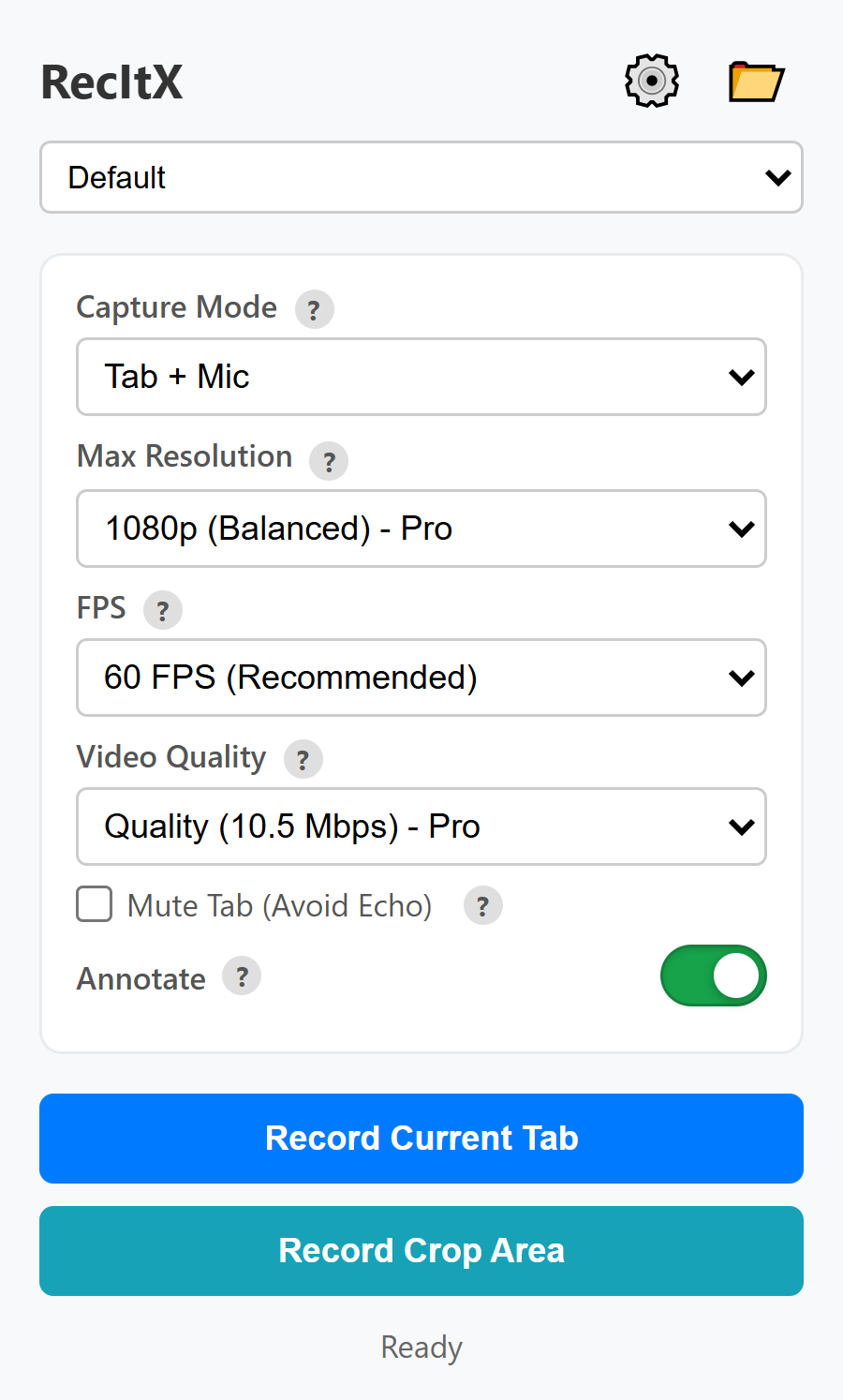
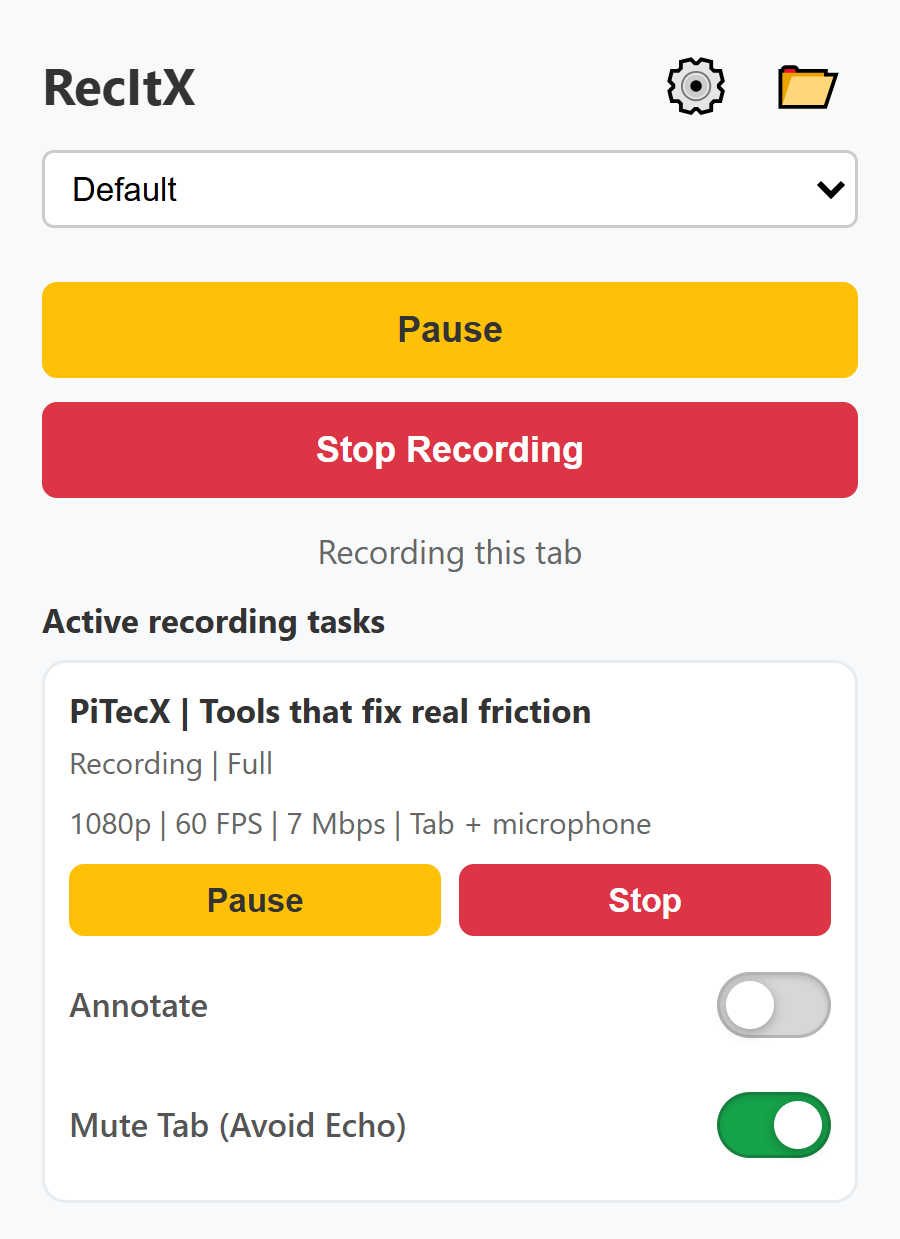
Stay in control Pause, resume or stop, and toggle drawing or Mute Tab while you record.
Open RecItX from the toolbar and choose your audio, quality and whether you want to draw.
Record the whole tab, or drag a box around the part that matters. Talk, point and draw as you go.
Your take lands in the library. Trim the ends and download a ready to share MP4.
Start, pause and stop without opening the popup. You can change any of them in your browser's extension shortcut settings.
$0
$19.99 one-time payment, no subscription
Prices in US dollars; tax may be added at checkout depending on where you live. Payments are handled by Paddle, our reseller and merchant of record. See the refund policy and terms.
Add RecItX to your browser and record your first tab in under a minute.
Free to use, with free trials of Pro features. RecItX Pro is a one-time purchase. Works in Microsoft Edge, version 126 or newer.